 NewNew: 4 kinds of video, 3D hosts, voices in 9 languages →
Argus Studio
The topic, a script from real sources, a fact-check, the voice, the graphics, thumbnails and scheduling on your channel. End to end, on your own computer. You pay only for the model's work.
Windows, macOS and Linux · free, you pay only for the model
What the factory makes
A channel picks its kind of video, style, host and voice — and gets videos that look like nobody else's. From every long video the factory cuts up to three vertical Shorts by itself — and a Shorts channel gets them on their own, with no long video.
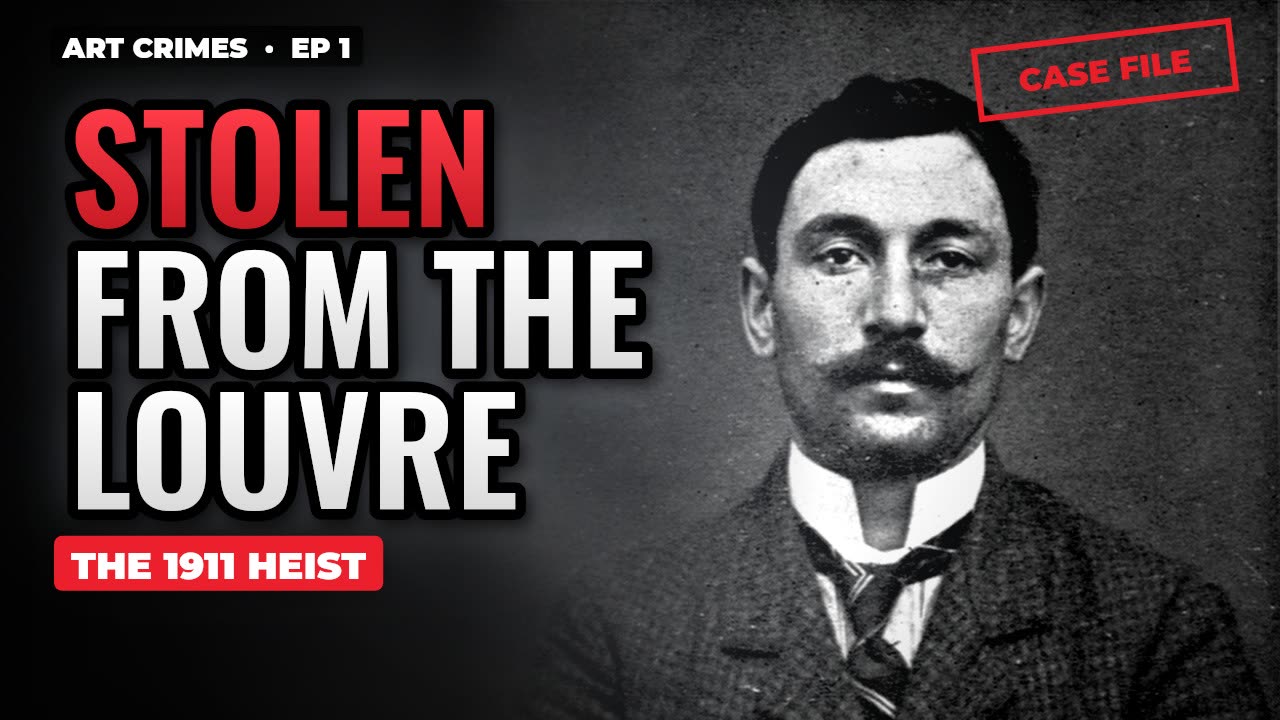 Documentary
10–25 minutes with chapters: a script from real sources and a fact-check, archive photos, 3D reconstructions, 15 styles.
Watch examples →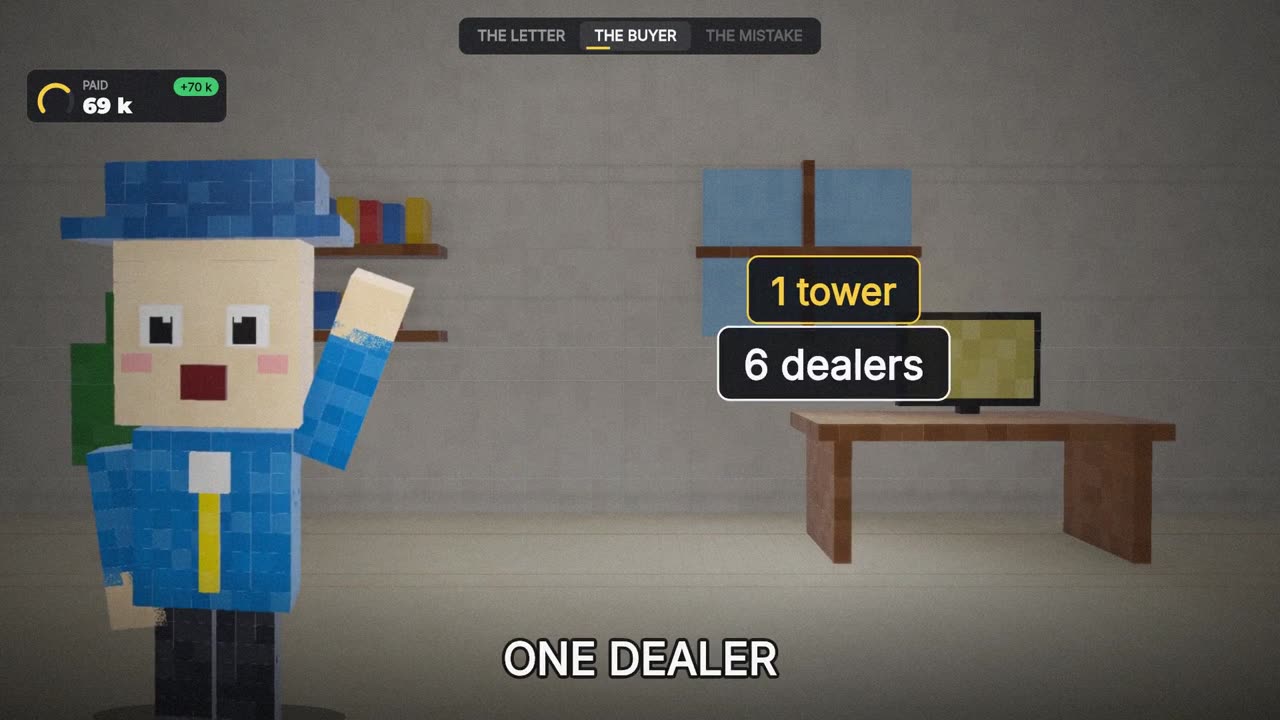 Hosted explainer
The channel's own host — 2D or 3D — and a card every 2–4 seconds: clues, numbers, forks. 6–14 minutes, 8 formats.
Watch examples →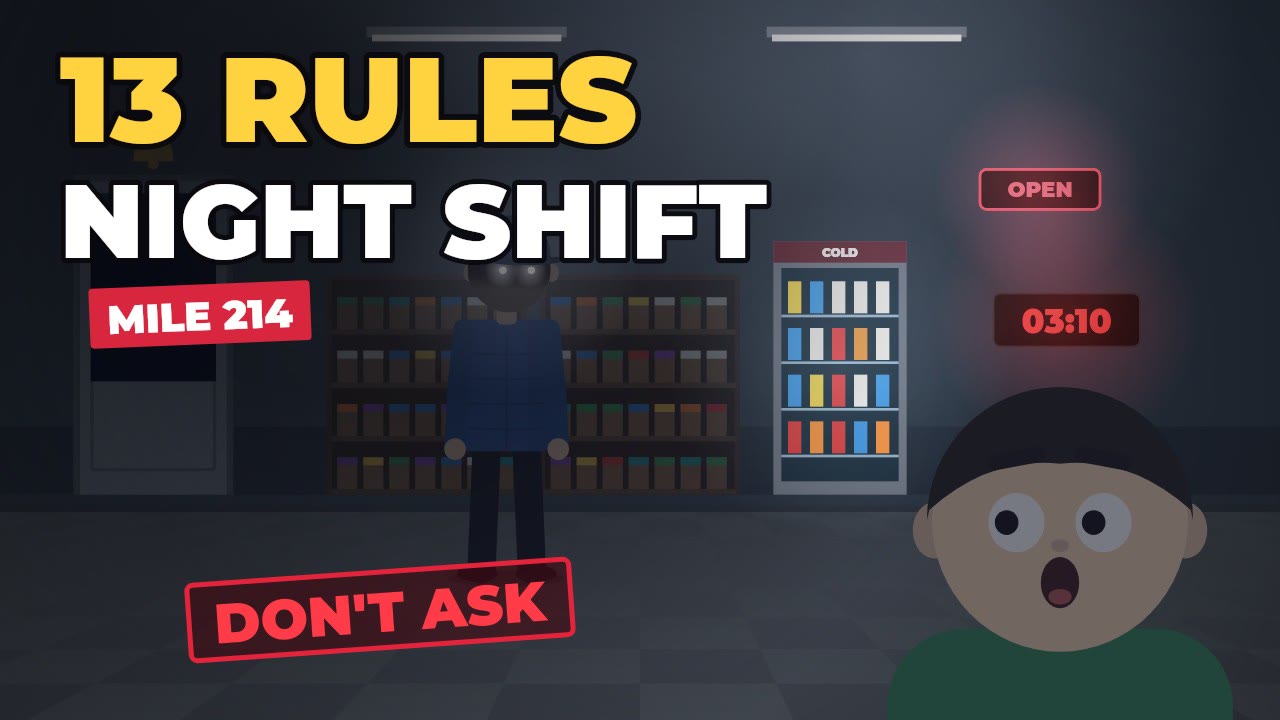 «Rules» cartoon
Animated horror: survival rules, chapters by night, red stamps and a torn-out last page. 12–18 minutes.
Watch examples →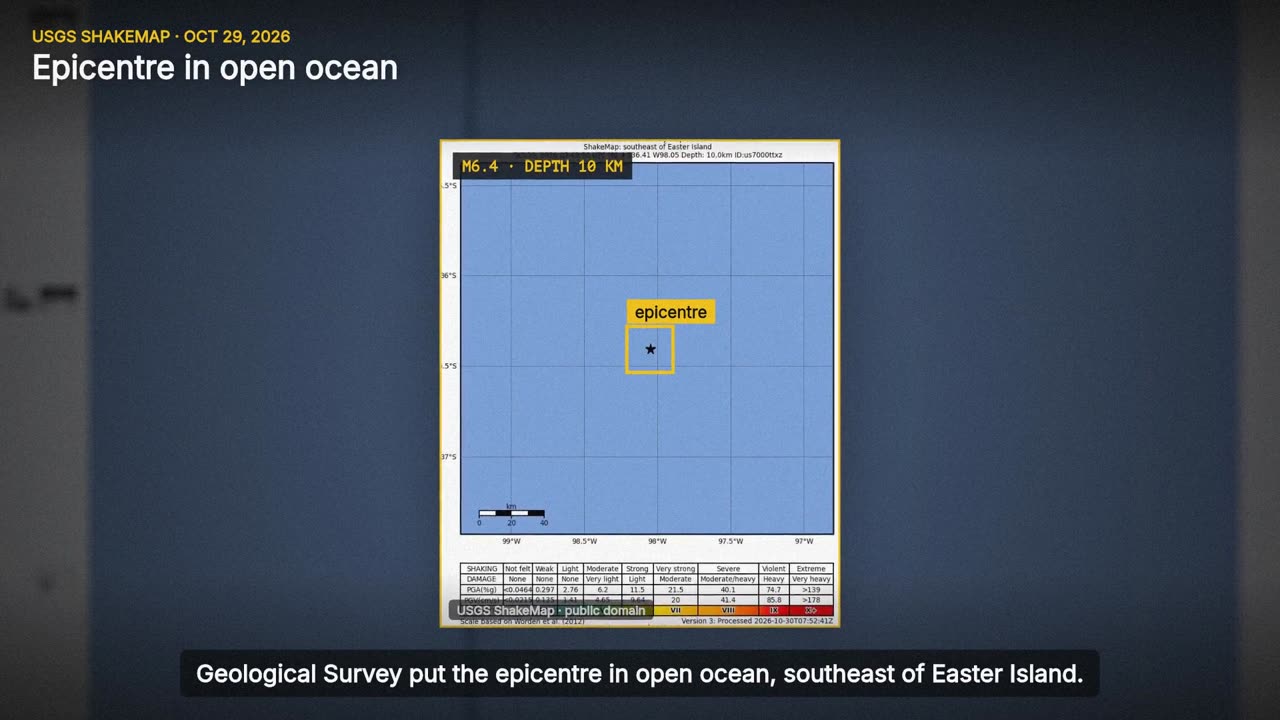 News
A fresh story from the wires and official services: what is confirmed, what is not, a map and a scale. Checked facts only.
Watch examples →How it works
No keys, no models, no settings. Log in — and the factory works. In detail, step by step — in the step-by-step guide.
Free and with no subscription: top up your balance by any amount, it stays in your profile and is spent only on the model's work. Top up with crypto — in your dashboard or right in the app — or with a code.
One command and the app installs itself. Log in with the same e-mail — the models and the key set themselves up.
For those who make their own
Argus is not a catalogue of ready-made channels — it is a tool. Describe any topic in your own words or give a link to a channel you like: the factory builds the niche, the style, the voice and the format — and then makes exactly your content. No topic yet? Start with the free niche finder.
Write what the channel is about or paste a YouTube link — the model works out a name, an audience, a tone, a style and a voice. You can change all of it.
Not sure where to start? The factory looks at what is getting views right now and suggests niches with proof of demand — videos that beat their own channel 3×.
A documentary, a hosted explainer, a cartoon or the news; the host and its look, the language and the voice, the length, the formats — every channel its own.
A list of topics you want made: the autopilot takes them first, in order, and then comes up with topics itself — in the spirit of the niche.
How to open, what never to say, which tone to keep — the writer follows them in every video. The facts from the sources still come first.
The channel's twist nobody else has, and the topics the factory will never take. «Make it more unique» suggests options.
What's inside
Every channel looks like a separate studio: its own frame layout, narrator, music and thumbnails.
Wikipedia, archives, the Library of Congress, NASA. Every scene cites a source, and a separate pass checks the facts and fixes the text.
styles: cinema, noir, atlas, blueprint, synthwave, ink, VHS…
The voice-over runs on your computer and costs nothing. Every channel has its own narrator and pace.
Scenes nobody filmed: mannequins, sets, light — never the faces of real people.
With it the app creates profiles, hands out proxies (Proxyline with our link) and uploads the videos by itself — tested on the real YouTube Studio. Download with our link, promo code Argus: 10% off the first month, then 5%.
New channels get no more than two long videos a week. The date is taken from the channel's own schedule in Studio.
Three titles and three thumbnails for YouTube's «Test & compare». Every channel has its own thumbnail handwriting.
Hundreds of creators use the factory, so every channel has its own author's voice, first lines, metaphors and frame handwriting — derived from your install and the channel. Ideas and niches come from a generator with your own draw: every time it pulls an angle, an era, a region, how known the subject is and a tone — hundreds of thousands of combinations — and the model must build each idea from them, skipping the twenty most obvious subjects of the niche. So two clients with one niche don't end up with the same topics, and no bookkeeping is needed. The niche builder suggests your own twist.
NEW Video lab
Need a single shot, an intro or a clip for social media? Describe the scene or upload a picture — the model shoots it in a couple of minutes. The price is shown before you start, you pay only for a finished clip; if it fails, the money comes back.
Pricing
No subscriptions. You pay only for the model's work — for each call as it happens, from your own balance. The voice, graphics, rendering and uploading run on your computer and cost nothing.
For our people
Every dollar you top up is a spin of the wheel. Prizes are bonus credits for the model's work up to $25 and coupons up to +20% on your next top-up.
The draw runs on the server — nobody knows the result in advance. Spin one at a time or all at once. Bonuses are spent first and live for 7 days.
Open the wheelBlog
Niches, money, monetization rules and automation — with numbers and sources.
It takes a story only from the wires (Reuters, AP, AFP via Google News), major newsrooms (BBC, NPR, DW, the Guardian and others) and official services (USGS, NASA, GDACS). Several outlets must confirm it; every fact in the script names who reported it, with what is confirmed and what is still unknown kept apart. Pictures come only with a free licence or from government archives: the factory never takes agency or TV footage, so channels get no copyright strikes. Politics, elections and war are off limits.
English, Ukrainian, Russian, Polish, German, Spanish, Portuguese, French and Italian — 62 voices. Everything runs on your computer, no per-minute fees, voices with a commercial licence. Give a channel a voice of a language and its script, narration and captions are in that language.
Yes — that is what the factory is for: «Own niche» works out any topic from your words or a channel link, «Find a niche» suggests options with demand, and every channel has «Own topics and rules» — a list of topics the autopilot makes first and rules for the script. You can find a niche even before signing up — with the free niche finder: paste the one you like into «Own niche» and its video ideas into «Own topics and rules».
The third kind of video (new). The channel has its own host character — it talks while cards pop up beside it every 2–4 seconds: evidence, messages, a search, numbers, gauges, an «A or B» fork. Chapters and live counters run across the top. Eight formats for your niches: case breakdown, how it works, what would you do, the story in N minutes, top N, myth or fact, a life in another time, a challenge series. For real stories the facts come from sources, as in the documentaries. Everything is drawn by code — no AI images.
No — three things take care of that. Every channel has its own handwriting that depends on your install: the host, the frame layout, thumbnails, the author's voice of the text, first lines and metaphors; the model's stock phrases («Imagine…», «Let's dive in») never appear in scripts. Ideas and niches come from a generator: for every batch it draws its own seeds — the angle of the story, the era, the region, how known the subject is, the scale and the tone (hundreds of thousands of combinations mixed with your install) — and the model builds the ideas from them, skipping the most obvious subjects of the niche. A hosted channel also has its own set of cards. And the niche builder's «Make it unique» button suggests your own twist.
The second kind of video. Not a documentary with slides but flat animation: characters, places, survival rules, red stamps, chapters by nights and a torn-out last page revealed by the finale — the format of the fast-growing «rules» channels. The factory does everything: the story, the staging of every shot, the voice, the animation, three thumbnails and a description with chapters. Choose it in the Studio («Kind of video») or for a whole channel in Settings. A video costs the same as a regular long one: no fact-check or source search is needed.
No. All models are connected through your Argus Studio account — just log in in the app.
AdsPower. With our link and the promo code Argus — 10% off the first month, then 5%. Only with it does the app do everything by itself: creates profiles for the channels, sets proxies, removes unneeded profiles, and uploading is tested on the real YouTube Studio. Dolphin Anty, Octo, GoLogin, Undetectable and Multilogin can be connected too, but you create the profiles and proxies in them yourself, and the support is in beta.
Proxyline — with our link. Take IPv4 (Google works worse with IPv6), ideally one per channel, HTTP or SOCKS5 with a login and password, in the country of the channel's viewers. Load them as a file or as lines in the app (Settings → AdsPower proxies and profiles): the factory checks each one and hands them to the profiles itself, matching the profile's time zone and language to the IP.
Windows 10 or 11, macOS 12+ (Apple Silicon or Intel) or Linux (Ubuntu 22.04+, Debian, Fedora and others; x64 or ARM64). 4+ cores and 8+ GB of memory. Rendering a 15-minute video takes 15–40 minutes depending on the processor. AdsPower exists for all three systems.
The factory never bypasses captchas or Google's checks. Channels are warmed up, videos land in the normal Studio schedule, facts are checked. Responsibility for the channel's content stays with its owner.
Passwords are stored only as a strong hash, there is two-step login (Google Authenticator and others), and every computer gets its own key that you can revoke in your dashboard.
Every dollar you top up is a spin. The prize is bonus credits for the model's work or a +5…20% coupon on your next top-up; bonuses are spent first and expire after 7 days. Only real top-ups give spins — gifts and bonuses don't.
For real stories — only photos under free licenses; the authors go into the video description automatically.
No. Top up your balance by any amount — a couple of dollars to try or thousands a month. The money stays in your profile, never expires and is spent only on the model's work. Your dashboard shows a daily spending chart and what every video cost.
With crypto — USDT, BTC, ETH, TON, LTC and other coins — in your dashboard («Top up») or right in the app (Settings → Account): a payment page opens and the balance is credited by itself once the network confirms, usually in 5–30 minutes. Or with a top-up code from support. The service is not available in Russia and Belarus.
That's how Windows warns about any file from the internet without a paid digital signature. The one-command install in PowerShell (irm argus-radar.com/install.ps1 | iex) avoids this window; for the archive — «More info» → «Run anyway».
Open the Terminal and paste curl -fsSL argus-radar.com/install.sh | bash. The app goes into the ArgusStudio folder in your home folder, downloads its components and the voice, creates a shortcut (on a Mac — «Argus Studio» in Applications, on Linux — in the app menu) and opens. The app window opens in Chrome, Edge, Chromium or Brave; without them — in your default browser.
Write to support — we'll sort it out.
The Argus AI assistant in Telegram answers right away, day and night: installing, AdsPower and proxies, the first video, niches, payment. It is an AI, not a person; money questions — refunds, payouts — it passes to us, and the answer comes back to the same chat.
Signing up takes a minute. News, updates and support — in our Telegram channel.
Start for free