 Argus
Guide · Faceless YouTube
How to Start a Faceless YouTube Channel From Scratch in 2026
A faceless YouTube channel isn’t “let an AI churn out some videos” — it’s a small newsroom: topic, script, voice, visuals and packaging. Below is the whole path to starting one, step by step: what to do, in what order and where beginners lose months.
In short. Pick a niche with demand, sources and freely licensed images. Verify your channel by phone. Write scripts from checked facts, narrate with a commercially licensed voice and show only what you have the rights to. For the first 1–2 months, post 1–2 long videos a week. Monetization comes after 1,000 subscribers and 4,000 watch hours.
What a faceless channel is and who it’s for
It’s a channel where the creator never appears on camera. A voiceover tells the story while viewers see archive photos, graphics, maps, animation or reconstructions. Plenty of big channels about history, science, space, mysteries, disasters and business work this way.
The format fits if you’d rather not show your face, if you’re making a channel in a language other than your own (say, in English for US viewers) or if you run several channels at once. The one thing it won’t give you is fast money: YouTube pays only after you join the Partner Program, and getting there usually takes a few months of steady work.
The most common formats:
- documentary stories of 10–25 minutes — mysteries, disasters, heists, expeditions, space;
- explainers on “how it works” — mechanisms, technology, science in plain English;
- top lists and rankings — “10 of the most…”, “every rank of…”;
- animated stories — for example, the “survival rules” format with flat characters;
- news breakdowns about natural events, science and space — based on reports from news agencies and official services.
Step 1. Niche and format
Your niche matters more than your editing. A good niche for a faceless channel gets a “yes” on five questions:
- There’s demand. The niche has videos from the past year with 3 or more times as many views as their channel has subscribers. That means the topic isn’t watched only by subscribers — YouTube is recommending it.
- There’s something to show. You can find freely licensed photos and documents on the topic: Wikimedia Commons, NASA, the Library of Congress, museum collections. Without them, the video turns into a slideshow of stock footage.
- There are sources. The facts can be checked against articles, books and reports.
- It’ll last for years. You can name 50 video topics off the top of your head.
- Advertisers want the audience. Education, science, history and technology usually earn more per 1,000 views than entertainment and kids’ content.
Long videos (10–25 minutes) build watch time — the key metric for both monetization and revenue. Shorts bring reach and subscribers but pay dozens of times less. Most documentary channels grow on long videos and cut Shorts from them.
For 30 niches with formats, pitfalls and a 15-minute way to check demand, see Faceless YouTube Niches for 2026. To find a niche around your own interests, try the free niche finder: three options with five first video ideas each in 30 seconds, no sign-up.
Step 2. Setting up the channel
- A separate account or Brand Account for each project — that makes it easier to hand a channel to an assistant and keeps your analytics from getting mixed up.
- Phone verification (youtube.com/verify). Without it, YouTube won’t let you upload videos longer than 15 minutes or add custom thumbnails.
- Channel name and “About” description — what the channel covers and who it’s for, in the words people use to search for the topic.
- Your real country. How much ads pay depends on where your viewers live, not on the channel’s country. Setting someone else’s country to “get into the US market” is pointless and puts your payouts at risk.
- Profile picture, banner and 3–5 topic playlists — they show viewers what to watch next.
Step 3. Script: from sources to text
A 15-minute video is roughly 2,000–2,300 words at a calm narration pace (about 2.3–2.5 words per second). Here’s the order of work:
- Gather sources: 5–15 articles, books and documents. Note where every fact comes from.
- Find the hook: a question, paradox or detail that keeps viewers from clicking away in the first 10 seconds. “The blast flattened 80 million trees — and left no crater.”
- Make a promise: what the viewer will know by the end of the video.
- Break it into chapters of 2–3 minutes, each with its own small twist. Every 45–75 seconds, add a new question or detail that holds attention.
- End strong: answer the question from the opening and ask viewers something for the comments.
- Fact-check in a second pass: every number, date and name against a source. No made-up quotes.
Don’t write every video from the same template. Since July 2025, YouTube’s inauthentic content policy explicitly names “content that looks like it’s made with a template” — and turns off monetization for the whole channel over it. Rotate your structures: investigation, timeline, myth vs. fact, top list, profile. More in YouTube Monetization in 2026.
Step 4. Voice
You have three options: your own voice, a freelance narrator or text-to-speech. Synthetic voices sound natural these days, but check three things:
- License. Many open voice models allow only non-commercial use — they won’t work for a monetized channel.
- Pronunciation of names, places and numbers: “1908” should sound like a year, not “one thousand nine hundred eight.”
- Sound. A pace of about 150 words per minute, a light “room” sound without echo and loudness around −14 LUFS — the level YouTube normalizes audio to.
Step 5. Visuals: what you can use and what you can’t
| OK to use | Off limits |
|---|---|
| Your own graphics, maps, diagrams, animation | Clips from other people’s videos, films and TV shows |
| Photos licensed Public Domain, CC0, CC BY, CC BY-SA — with the author credited in the description | Agency and stock photos you haven’t licensed (Reuters, AP, Getty) |
| US government archives: NASA, the Library of Congress (“no known restrictions”) | Images pulled “from Google search” without checking the rights |
| Reconstructions with faceless figures for moments nobody filmed | Realistic AI images of real people and events without a label |
Change the shot every 3–6 seconds, keep the camera moving and show what the script is talking about: when the narrator names a place, show a map; a number, a counter; a document, the document itself. Viewers leave when the visuals just “fill time” instead of explaining.
Step 6. Title and thumbnail
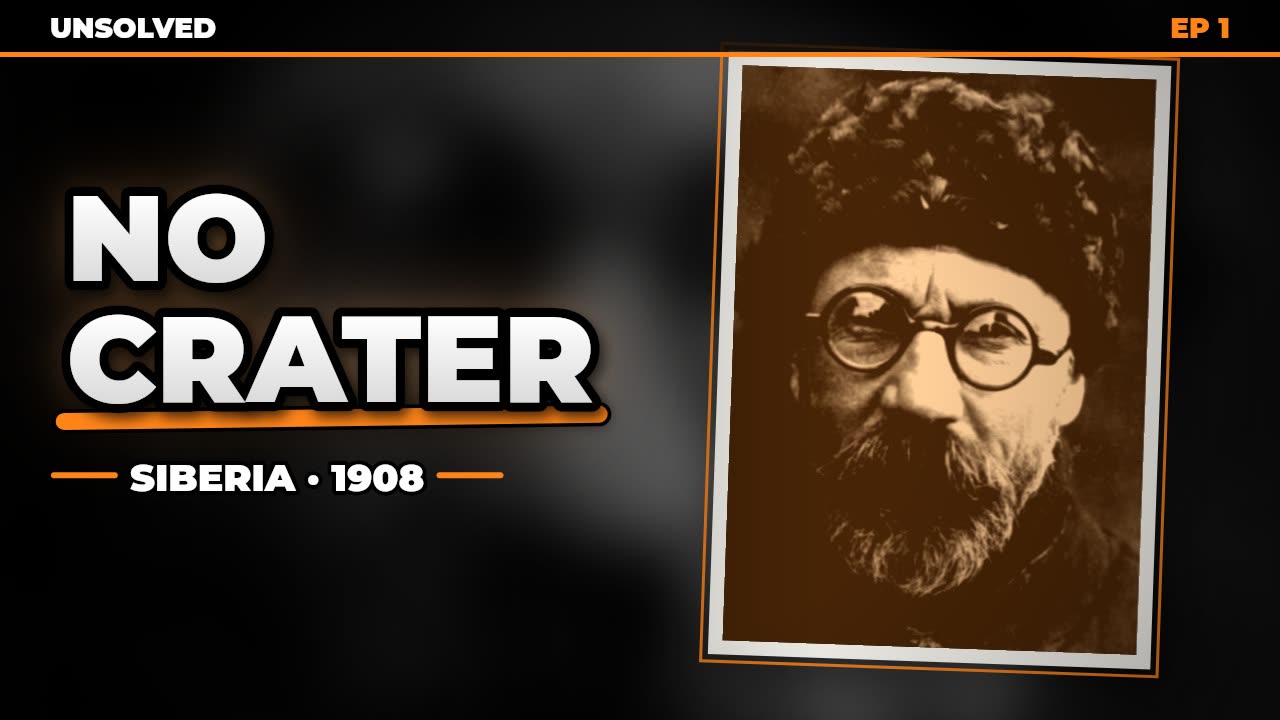
- Title — up to 60 characters, with the subject in the first few words: “The Tunguska Event: Why There’s No Crater.”
- Thumbnail — 2–4 big words, one main object, strong contrast. Check how it reads on a phone screen. Keep the bottom-right corner empty: that’s where YouTube shows the video length.
- Thumbnail testing. YouTube Studio has Test & compare: up to three thumbnails per video, and YouTube tells you which one performs best.
- Description — the first two lines written for search, then chapters with timestamps and your sources.
Step 7. Upload schedule and warm-up
A new channel that posts twenty videos in its first week looks like spam to YouTube. A calm start works better:
- for the first 1–2 months — 1–2 long videos a week, never two on the same day;
- schedule videos in Studio for the same time slot — in your viewers’ time zone;
- reply to comments and pin a question for your viewers;
- after the warm-up — 3–5 videos a week, as long as quality doesn’t slip.
Step 8. Monetization
YouTube accepts channels into the Partner Program at 1,000 subscribers and 4,000 watch hours on public long-form videos in the last 12 months — or 10 million Shorts views in 90 days. You also need 2-Step Verification on your Google Account, an AdSense account and no active strikes. Real people review the channel: they look at its main theme, its most popular and newest videos, titles and descriptions.
4,000 hours is, for example, 40,000 views of videos with an average view duration of 6 minutes. How much you get paid per 1,000 views after that and what it depends on — in How Much YouTube Pays (with a calculator).
What one video costs
| Approach | Per 15-minute video | Time |
|---|---|---|
| Do it all yourself | $0 + your time | 8–20 hours |
| A team: writer, narrator, editor | usually $30–100 | 2–5 days |
| Argus Studio | $0.85–1 | 15–40 minutes of rendering |
Team rates are a ballpark based on freelancer listings and depend on language, experience and how complex the editing is. The Argus Studio price is the range for a 15-minute documentary; the exact amount shows up in your dashboard after each video.
Common mistakes
- Someone else’s footage “just for illustration.” One takedown from a copyright owner is a strike; three, and the channel is gone.
- Thirty identical videos. One script template, one thumbnail design, one voice — a fast track to being denied monetization.
- A flood of uploads on a new channel. Two good videos a week beat ten in a day.
- A niche with no visuals or sources. A month in, you’ve run out of things to make videos about.
- A title with no subject. Nobody searches for “This Changed Everything”; people do search for “The Tunguska Event: Why There’s No Crater.”
- Expecting money in a month. Plan for 3–6 months of steady work before monetization.
Frequently asked questions
Can a faceless channel be monetized?
Yes. YouTube doesn’t require you to show your face. It requires originality: your own script, your own narration and visuals you have the rights to. YouTube turns down channels built on templated or other people’s videos — not channels without a face.
How many videos do you need before monetization?
There’s no set number: watch hours decide. 4,000 hours is, for example, 40,000 views with an average of 6 minutes watched. Some channels get there with 20 videos, others need 80.
Do I need to be fluent in English to run a channel for US viewers?
Not necessarily, but the script has to be written in English from the start, not translated word for word, and narrated by a voice with correct pronunciation. Argus Studio writes and narrates videos in 9 languages, including English.
Can I use an AI voice?
Yes, if the voice has a commercial license and sounds natural. The “altered or synthetic content” label is needed when a realistic video could be mistaken for real footage — not because the narrator is synthetic.
How long does one video take?
By hand, 8 to 20 hours for a 15-minute documentary. With Argus Studio, 15–40 minutes of computer time with no input from you: from picking the topic to scheduling the upload on your channel.
Software can do all of this
Argus Studio covers the whole path by itself: a topic in the channel’s niche → sources → a fact-checked script → a voice in 9 languages → graphics and freely licensed photos → three thumbnails → a scheduled upload on the channel. $0.85–1 per 15-minute video, no subscription.